
Just several years ago, coding was a new language that not everyone had access to. It needed skill, concentration, and lots of hard work that not everybody could push through. Not in 2025, though.
You want to create an app? Change your career? Simply understand how the digital world works? It’s never been easier or more fun. Moder tools are interactive, entertaining, and chew the material so well that even the most complex stuff feels like child’s play.
The best part? You don’t need a computer science degree. All that is necessary is just curiosity and a browser. Below, we’ll be exploring the best code learning tools for easy and accessible learning.
Top Tools for Learning Code
There is always a way to learn something and make it fun. Especially when it comes to something as complex as coding. Doesn’t matter if you’re new to it or if you just work on bettering your skills; we’re sure to have the tool just for you. And we’ll start with the most entertaining one.
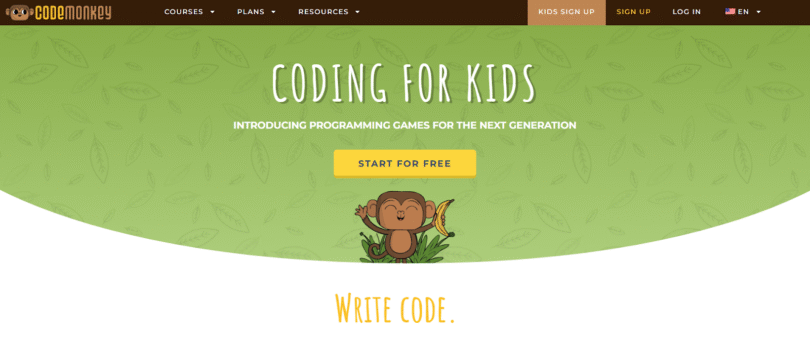
#1 CodeMonkey
CodeMonkey is for anyone who wants to learn something new. You can learn real coding languages like CoffeeScript and Python while enjoying a game. It is one of the most polished and curriculum-backed coding platforms (and has won awards for it, too), teaching block-based and text-based coding through a fun game-like environment.
What you do is write real code to solve puzzles and help a monkey pass through levels full of bananas. Kids as young as 5 can start programming and create their own games.
CodeMonkey is a perfect step between visual “drag-and-drop” and full-blown programming.
Key Highlights:
- K-8 curriculum. Students will be offered educational resources that match their grade and experience levels.
- Real coding languages. Coding basics are taught through basics such as block-based and text-based coding. But also, students can learn how to code in real programming languages like CoffeeScript and Python.
- Game-based learning. Exactly what the name says. You play, you learn.
- Professional development. CodeMonkey has a full-time professional staff to help you in every step. You can also grow your skills through their free webinars, video tutorials, and MOOC courses.
- All you need is in one place. As a teacher, you’ll have a Classroom Dashboard with student solutions, automatic grading, and curriculum management. You’ll be able to effortlessly manage your students.
- Pricing: CodeMonkey’s main plans include Home (starting from just $7/ month) and Teacher (with custom pricing). But what other platforms don’t have is 1-year all-access subscription that you can gift to a kid (includes 1 child and 1 parent accounts) or a family (includes 3 children and 1 parent accounts).
#2 Codecademy
Codecademy has been in the online coding industry for over a decade, so it’s a name you must know. It has a sleek interface, a hands-on approach, and a library with so many courses your eyes will fog.
Key Highlights:
- More than code learning. In addition to learning multiple coding languages (like Python, Java, C++, etc), you can also study code foundations, interview prep, computer science, web design, mobile and game development, and so much more.
- Get practical experience. With Codecademy, you will create portfolio-worthy projects and stand out in the competitive job market.
- Pricing: Offers Basic ($0), Plus ($14.99/month), and Pro ($19.99/month) plans for individuals, with discounts for Students and Businesses.
#3 FreeCodeCamp
FreeCodeCamp keeps its name as one of the best free options for anyone serious about building projects while learning. It’s open-source, community-supported, and full of in-depth challenges that actually lead to certifications you can use professionally.
Key Highlights:
- Extensive certifications. Earn industry-recognized, verifiable certifications in high-demand technologies.
- Comprehensive curriculum. They have a linear, world-class, project-based curriculum to help you advance your tech skills.
- Pricing: Totally free and forever.

#4 Codewars
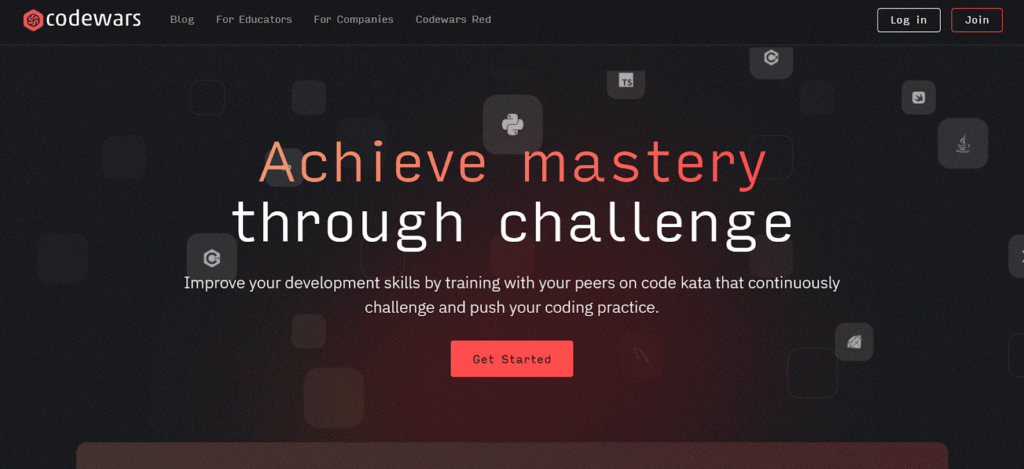
Competitive and like a challenge? Codewars. Here, simple coding turns into martial arts. You have to solve coding challenges, called “katas” (and create them too), to earn ranks and climb the global leaderboard.
Key Highlights:
- Obtain new perspectives. Here, you solve challenges. Then you check how others solved the same one. This way, you can learn from some of the world’s most accomplished developers while also picking up new skills.
- Improve your current language skills. You can begin to gain confidence by overcoming those challenges in a language you are familiar with.
- Pricing: Codewars offers a premium subscription tier called Codewars Red. It includes a Monthly ($5/month, billed monthly), Annual ($40, billed yearly), and Semi-Annual ($24, billed every 6 months) plans.
#5 Replit
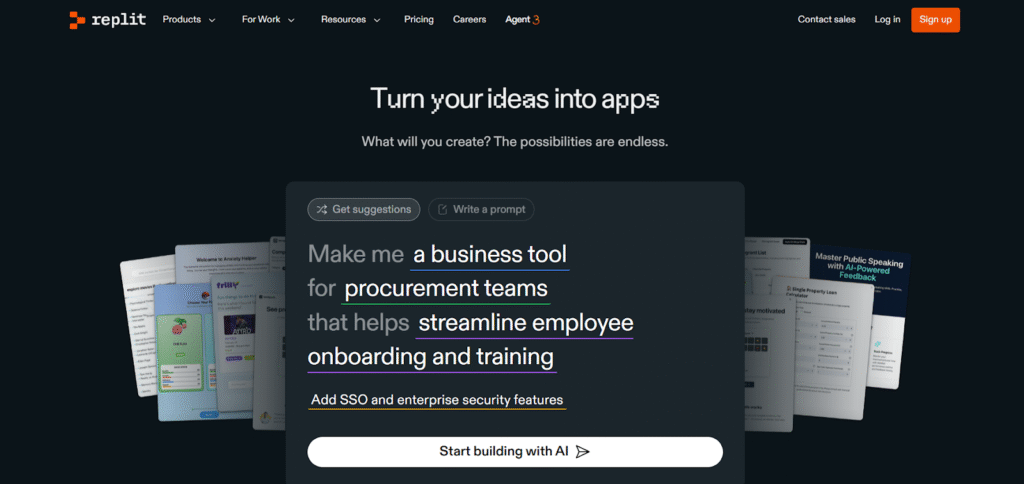
Replit is less of a “learning platform” and more of a coding playground. It’s one of the most exciting ways to learn through creation. You can code, collaborate, and use projects straight from your browser.
Key Highlights:
- Real-world practice. You’re coding in real languages (Python, JavaScript, C++, and more) with no setup needed.
- AI-powered help. Built-in AI tools suggest fixes and improvements as you code.
- Pricing: Offers Starter (totally free), Replit Core ($20/month), Teams ($35/month per user), and Enterprise (custom pricing) plans.
Wrapping Up
Coding nowadays has become accessible to anyone who puts their mind to it. Creators, gamers, problem-solvers, and anyone curious enough to wonder “what if I could make that?”. Anyone can turn ideas into something real. You do that through building worlds out of words, turning lines of text into games, apps, or stories that actually do something.
With the list of tools on your screen, you can start learning. And then do the things you put your mind to. What is necessary is to show up, try, and follow your curiosity.
As you progress and turn into a pro, you’ll have more than just a new craft. Because coding is more than just a skill in 2025; it’s a creative way to use a keyboard. So, play. Build. Break things. Fix them again now!